The Best Online Free PDF Editor in 2026 (No Install)
By PdfEditly Team · June 22, 2026 · 14 min read
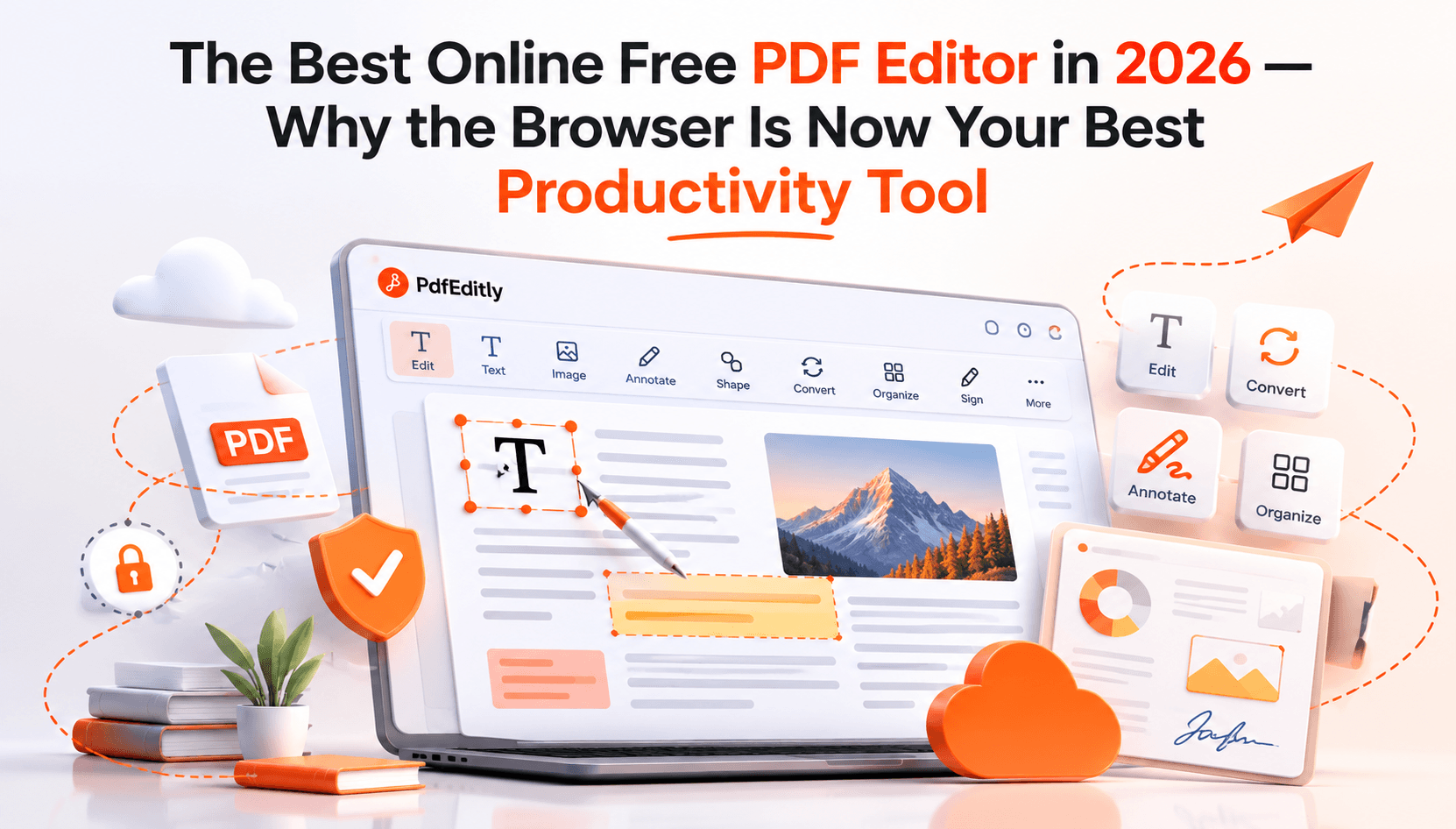
In 2026, The Best Free Online PDF Editor —Why the Browser Is Your Best Productivity Tool
f you've ever needed to edit something in a PDF for which you spent an hour or so searching for software, paying subscriptions monthly and/or uploading sensitive data files onto some random server -- well then you know the pain. Contracts, invoices, reports, forms, research papers these pesky PDFs are everywhere and yet for years they still felt needlessly convoluted to edit.
That's changed. In 2026, a good free online PDF editor does not only allow you to add text or highlight a sentence. It performs OCR on scanned documents, converts a file from Word or Excel format, merges and splits PDFs, compresses the bloat out of bloated files and it does so without asking you to install anything or create an account.
This is what PDFEditly is built around. What you see is what you get: no bloat; no paywalls locking away the essentials; no watermarks plastered across your final output. No more than a browser, your file, and a blank page.
You were basically being lied to, then you lost your trust in modern PDF editing tools like Adobe Acrobat and got confused by all the app choices you have available today.
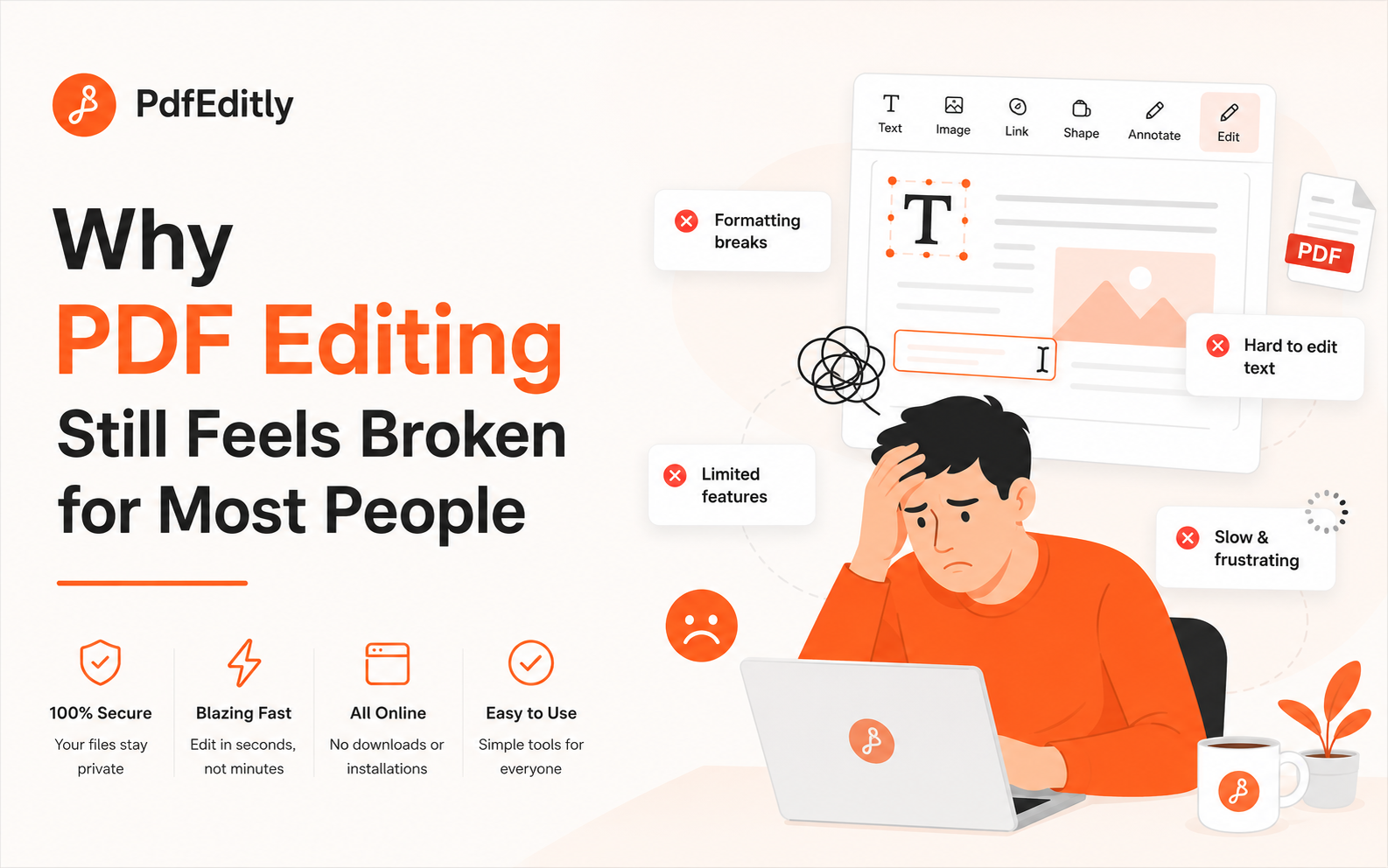
PDF editing still feels busted for most of us
Funny thing about PDFs you end up with a bit of irony here. It was developed so that documents would appear the same all over for eternity, on every device. And it does that job wonderfully well. And that same consistency makes it even decades after the format was invented oddly difficult to edit.
The workflow for 99% of people still goes something like this: Get a PDF, decide they need to change something, find an editor by googling, end up on a site promising you free editing but only unlock the half features with an expensive premium plan, try anyway, realize that your exported file has a massive watermark on it now, quit and go search again.
This solves some of it but desktop software like Adobe Acrobat Pro costs $20 or more per month, while even lighter alternatives require an installation, updates and sometimes a license key. That's way over the top for someone who simply needs to combine two PDFs or correct a typo in a contract.
The most popular alternative everyone ends up on is uploading their file to an online service. Which poses an immediate question: where the hell does your file even go?
That question means more than ever, for 2026.
The Privacy Issue No One Talks About
When you upload a PDF to an online editor, you are handing over the keys to that document. For a recipe blog, fine. But most of the PDFs all of us end up needing to modify are stuffed with sensitive content (an address, a signature, tax information, personal data about clients, a business proposal containing confidential information).
Most of the top online PDF tools process your files on their servers. Some keep them hours, some days. Some have faced data incidents that never attained headline-grabbing coverage but that nonetheless harmed real people. And even when a service can be trusted, the very fact that your file needs to be sent over a network exposes it unnecessarily.
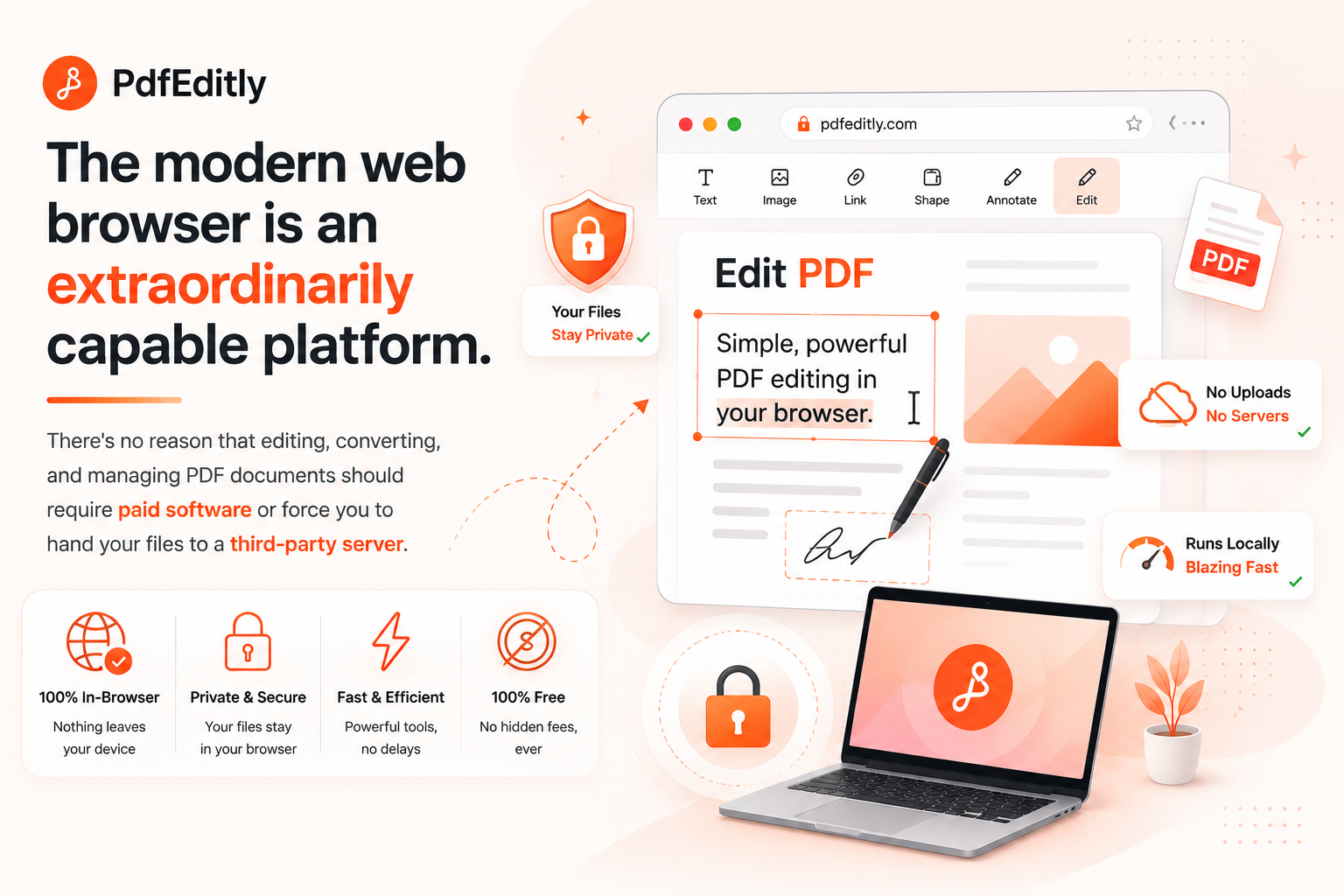
PDFEditly approaches this differently. Files never leave your device. Everything is done locally in your browser and it uses modern browser APIs that are now strong enough to do some serious document processing without the need for phoning home to any server. You open PDFEditly, load your file, do what you need to do and download the result and throughout this entire process your document has never left home.
This is not just a 'nice-to-have' for legal teams, HR professionals, accountants or students, freelancers anyone who deals with documents that can have real implications. It's the whole point.
What a Modern Browser PDF Editor Actually Does
Let's stop talking abstractly and get into specifics. Here's what you can actually do inside PDFEditly, right now, without paying anything or creating an account.
-
Edit PDF Text and Content Directly
The core of any PDF editor is the ability to add or modify text. PDFEditly lets you click into a document and place text where you need it whether that's filling in a blank field, adding a note, or inserting a label on a diagram. You can also drop images directly into the PDF, which is useful for adding logos to templates, inserting signatures, or annotating visual content.
This sounds basic, but a surprising number of "free" tools either don't support this at all or charge for it. In PDFEditly, it's just... there.
-
Highlight and Annotate
Reviewing a document doesn't always mean changing it. Sometimes you need to highlight a section for a colleague, add a comment, or draw attention to something before forwarding. PDFEditly's annotation tools are clean and fast you can highlight passages, add sticky notes, and mark up content the way you'd mark up a printed page, except the result is a clean digital file you can actually share.
-
Merge PDFs Without the Chaos
If you've ever tried to combine five PDF files into one cohesive document, you know how quickly it can get messy especially when the page order matters. PDFEditly's merge tool lets you drag files into the order you want, preview the result, and export a single clean document. No more emailing six attachments when one would do.
This is one of those features that sounds unglamorous until the moment you actually need it. Then it becomes invaluable.
-
Split PDFs Into Exactly What You Need
The flip side of merging is splitting pulling a specific range of pages out of a larger document. Maybe a 40-page report has three pages you actually need. Maybe a client sent you a combined PDF and you need to distribute sections individually. PDFEditly's split tool handles this by page range, so you're not stuck with the all-or-nothing problem.
-
Compress PDFs Without Wrecking the Quality
Large PDFs are a real problem for email attachments, for upload limits, for storage. PDFEditly's compression tool reduces file size intelligently, targeting images and embedded elements that can be downscaled without making the document look like it went through a fax machine.
This feature alone saves time every week for anyone regularly sharing documents across teams or with clients.
OCR: Making Scanned Documents Actually Usable
There is an interesting and tricky one to distinguish between scanned PDF and text-based PDF.
Once you scan your paper document, the outcome would be a picture of words – it will look and act like a PDF, but the words within are not actually texts – they are just images. You cannot search for certain phrases or sentences, copy a paragraph or edit any piece of text.
OCR – Optical Character Recognition makes things easy. It recognizes the image and transforms it into the text.
Our PDFEditor provides you with the possibility of OCR PDF editor feature. Once you upload a scanned document and perform OCR, you have the document in text format. It is revolutionary technology for those who work with older contracts, paper-based forms, archives or documents sent in scan.
The engine supports both regular printed text and more sophisticated formats like tables.
Table Recognition: The Detail That Actually Matters
Tables in PDFs are notoriously difficult to work with. Even if the file is natively created as a PDF, copying and pasting a table from the document to Word will usually result in corrupted text as the columns will become one big block of text and rows will be misplaced, leading to manual reconstruction of something that could take just a few seconds.
Table recognition in PDFEditly goes beyond typical OCR functionality through recognition of table structure in the PDF file. As a result, when you convert your PDF document to Excel, the resulting file will have proper spreadsheet structure, rather than having cells with data which will require fixing.
This feature can be really helpful in dealing with any files that have financial data or any other form of data which uses tabular form for representation.
Convert PDFs to (and From) Everything You Need
PDF conversions are some of the most frequently done tasks on documents, but they’re some of the least reliable services available. PDFEditly manages to do them all:
PDF to Word — Converts your PDF into an editable .docx file, preserving formatting as cleanly as the source document allows. This is genuinely useful for editing documents you received as PDFs but need to change substantially.
PDF to Excel — Particularly powerful when combined with table recognition. Financial statements, pricing lists, data exports — they come out as actual spreadsheets.
PDF to JPG — Converts PDF pages to image files. Useful for sharing previews, embedding content elsewhere, or archiving visual materials.
All of these conversions happen the same way everything else does in PDFEditly: locally, in your browser. No file upload, no waiting for a server to process and return your file.
OCR & Table Recognition in Your Browser
Modern PDF tools should solve real document problems — not rely on buzzwords. PdfEditly focuses on practical in-browser capabilities: OCR for scanned PDFs, table recognition when converting to Excel, and reliable format conversion for Word, Excel, and images.
For technical documents, legal contracts, and scientific papers with complex layouts, OCR and table extraction save hours of manual retyping. A scanned contract with notes, sidebars, and tables can become searchable text and editable spreadsheet data — all processed locally in your browser, with no upload to a server.
These are the features that matter for everyday PDF work: accurate text extraction, clean conversions, and privacy-first processing on your device.
Password Protection and Security Features
This does not mean that each and every PDF document which you generate must have a password on it. However, some do require it.
The PDFEditly software allows for the export of password protected PDF documents. The user is supposed to input a password in order to create an encrypted document, which will later need to be entered in order to open that particular document.
This is one of the most basic but essential features if you plan on sending out any sort of document via email, cloud-based storage service, etc.
No Watermarks. No Hidden Limits.
This deserves a section all by itself because it's truly different.
There are a number of "free" PDF tools that offer a service whose whole point is to irritate you until you pay for a subscription. There's gatekeeping of features. There's lower-quality export. There are watermarks on your exported document. There's a file-size limit that triggers at the very moment you need it.
That's not how PDFEditly does things. No accounts needed to access any features. No watermarks on exported documents. No file-size limits meant to trip you up. The free tools are free.
And that's becoming less and less common these days.
Cross-Platform and Works on Every Device
It does not matter whether you use a computer running on Windows, Mac, a Chromebook or even a tablet; PDFEditly functions the same way in all browsers. There are no separate versions for different platforms. There are no issues of incompatibility and no "this function is not available in mobile devices."
This is important because document work is not necessarily done on the main computer. You can find yourself in a situation where you have to sign a contract from a coffee shop, edit your documents from a friend's computer, review documents from a phone while traveling.
Fast Performance Without the Weight
Online apps used to be quite slower compared to their desktop counterparts. This issue has been solved. Current browsers are highly efficient computing platforms, and PDFEditly takes full advantage of this efficiency.
Document loading is quick. Functions such as merging, splitting, and compression work swiftly. The application does not have a feel of a 2015 web app; it is a modern and responsive user interface.
Processing on local hardware is another point worth mentioning. There are no delays due to a server round trip. Processing takes place right where it should take place, that is on your computer.
Who Actually Uses an Online Free PDF Editor Every Day
It would be important to identify the target audience, since the issue at hand pertains to everybody rather than just some people:
Freelancers and contractors regularly work with PDF files client contracts, invoices, proposals. Having the ability to manipulate documents and convert them without the need for monthly subscriptions for the software you rarely use can save money.
Students and researchers regularly work with scanned materials, research PDF files, and heavily annotated documents. OCR capabilities make PDFEditly a perfect choice.
Small business owners usually have to deal with forms, contracts, and reports in the PDF format but may not have access to IT department and enterprise solutions. Having a free and powerful browser-based solution for such needs is very helpful.
Human Resources and legal professionals regularly work with sensitive information. The fact that the file does not leave the device while processing the material can be quite important from the point of compliance.
People working remotely and across different platforms will like a tool that acts the same way on any computer platform.
In practice, anyone who works with documents which is nearly everyone eventually hits a moment where they need to do something with a PDF that they can't do with a basic PDF viewer.
How PDFEditly Compares to the Usual Alternatives
Let's be straightforward about the competitive landscape.
Adobe Acrobat Pro is genuinely powerful. It's also expensive and requires installation. For occasional use or budget-conscious users, it's hard to justify.
Smallpdf, ILovePDF, and similar services are popular and useful, but they operate on a server model your files are uploaded and processed remotely. Free tiers are often significantly limited. They're good tools, but they make different tradeoffs.
LibreOffice is free and capable, but it's desktop software. Installation required. Not available on managed devices where you can't install applications.
Google Docs can open PDFs, but the formatting preservation is inconsistent and it's not a real PDF editor.
PDFEditly occupies a specific position: fully-featured browser tool, genuinely free core functionality, no file uploads, no account required. For users who care about privacy, convenience, and cost, that combination is difficult to find elsewhere.
A Practical Walkthrough: Editing a Scanned Contract
Let's look at how PDFEditly deals with a typical task with a concrete example.
Imagine receiving a contract PDF which was scanned using some camera. It means the text is an image. Unsearchable. Uneditable. Annoying.
You start PDFEditly, load the file, and perform OCR. In a matter of seconds, the document is transformed into the searchable format. Now you can find some particular clause in it, copy a paragraph, and even edit a part if needed.
If there are any pricing tables in the contract, they are recognized by the table recognition tool. In case you need to forward the file to your accountant but in Excel format, you simply convert the file. And if you need to sign the document but return back only the signed pages, you can easily split the document and export necessary pages.
All of the above without uploading the file anywhere, for free, and without registration.
This is how a good PDF editor will look like in 2026.
Final Thoughts: It's Time to Stop Paying for This
The modern browser-based environment is highly advanced and versatile. There is no good reason to have to spend money to edit, convert, and manage PDFs, nor should it be necessary to send your files to a third party server.
Based on this assumption, PDFEditly was created, and it meets all expectations. It contains all the functionality needed by most users ranging from simple editing and annotation to such advanced features as OCR, table recognition, and conversion. It can be accessed from any device via any browser with no need for installation and no registration. Your files will remain on your device. The output documents will be free of watermarks.
If you cannot find a reliable, totally free online PDF editor that you could use routinely and trust, you should try PDFEditly right away. Just open a new browser tab, go to pdfeditly.com and upload the PDF you were planning to process.
You are unlikely to change the way you work after this experience.