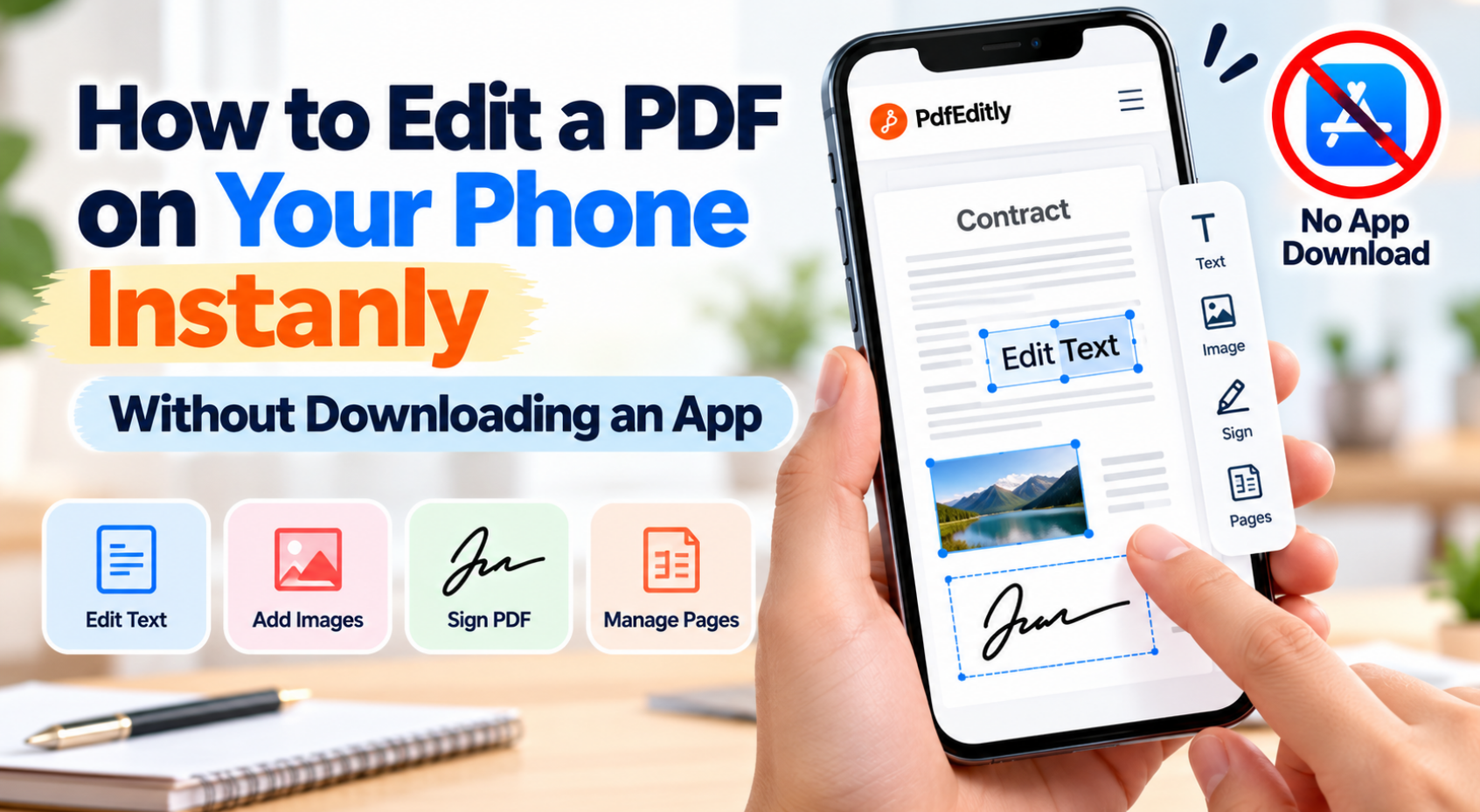
• Edit PDFAdd text, images, shapes and highlights.
    • Sign PDFDraw or upload a signature and place it.
    • Find & ReplaceSearch and replace text across pages.
    • Watermark PDFStamp custom text on every page.
    • Merge PDFCombine several PDFs into one file.
    • Split PDFExtract a page range into a new file.
    • Delete PagesRemove pages you don't need.
    • Reorder PagesDrag pages into the right order.
    • Rotate PDFTurn pages in 90° steps.
    • Duplicate PagesCopy pages within the document.
    • Insert Blank PagesAdd empty pages anywhere.
    • Insert PDFAdd another PDF into this one.
    • PDF to WordExport to an editable .docx file.
    • PDF to ExcelPull tables into .xlsx, with OCR.
    • PDF to JPGSave each page as a JPG image.
    • PDF to PNGSave each page as a PNG image.
    • PDF to TextExtract plain text, including scans.
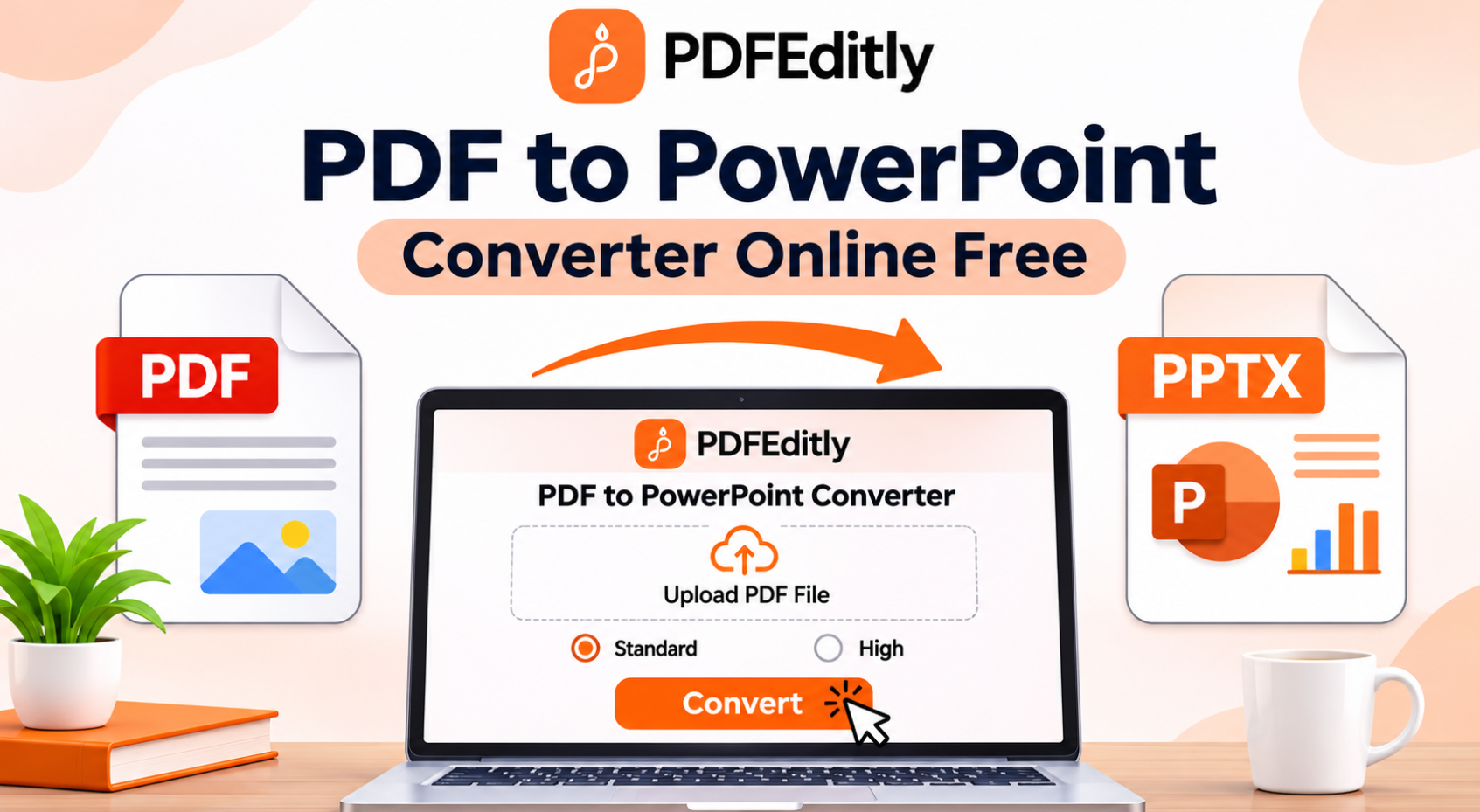
    • PDF to PowerPointTurn each page into a PPTX slide.
    • PDF to CSVExport PDF tables as CSV files.
    • Extract ImagesSave the pictures embedded in a PDF.
    • Word to PDFTurn a .docx into a PDF (best-effort layout).
    • Excel to PDFTurn spreadsheets into PDF tables.
    • PowerPoint to PDFTurn .pptx slides into PDF pages.
    • Image to PDFCombine JPG or PNG images into a PDF.
    • Compress PDFReduce file size for email and upload.
    • Protect PDFLock the file with a password.
    • Recent FilesReopen PDFs you worked on in this browser.
    • Compress ImageShrink JPG, PNG and WebP files in bulk.
    • Resize ImageChange size by pixels or percent.
    • Crop ImageCut images to any size or ratio.
    • Batch Image ConverterConvert many images to JPG, PNG or WebP.
    • HEIC to JPGConvert iPhone photos to JPG.
    • HEIC to PNGConvert iPhone photos to PNG.
    • JPG to WebPSmaller photos for the web.
    • PNG to WebPSmaller graphics, transparency kept.
    • WebP to JPGOpen WebP images anywhere.
    • WebP to PNGLossless PNG from WebP.
    • JPG to PNGLossless PNG copies of photos.
    • PNG to JPGShrink PNGs as JPG.

1,000+ PDFs edited

The free PDF editor that keeps your files private

PDFEditly edits, signs, merges, compresses and converts PDFs right in your browser — with no sign-up, no watermark and no uploads.

  • Free, no sign-up
  • No watermarks
  • Files never leave your device

One place for every PDF task

Pick a category, choose a tool, and you're done in seconds. No installs, no accounts.

How to edit a PDF online

Three steps, about thirty seconds, and no learning curve.

  1. Step 1: Drop in your PDF

    Drag a file onto any tool or click to browse. It opens instantly — nothing is uploaded.

  2. Step 2: Make your changes

    Edit text, reorder pages, compress or convert with simple, clearly labelled controls.

  3. Step 3: Download the result

    Save the finished file straight to your device. No watermark, no email, no waiting.

Built for speed. Designed for privacy.

Your files never leave your device

Every tool runs locally in your browser. Nothing is uploaded, stored in the cloud or seen by anyone — so contracts, invoices and IDs stay yours.

Works on Mac, Windows, Linux, ChromeOS, iPhone and Android.

Instant processing

No upload queues. Your device does the work.

Built-in OCR

Pull text and tables out of scanned pages.

Works offline

Once loaded, most tools keep working without a connection.

No watermarks

Clean output on every file, every time.

Guides & PDF tips

Step-by-step tutorials to get more out of your documents.
All posts

Get new tools & tips first

One short email when we ship something useful. No spam, unsubscribe anytime.

Frequently asked questions

Quick answers about PDFEditly — free PDF tools that run entirely in your browser.

What is the best free PDF editor?
For everyday tasks, the best free PDF editor is one that edits without watermarks, sign-ups or uploads. PDFEditly does all three: it runs in your browser on any device and never sends your files to a server. For professional print production or complex form authoring, a paid desktop suite is still more capable.
Is there a completely free PDF editor with no watermark?
Yes. PDFEditly is completely free with no watermark, no page limit and no account. Every tool — edit, sign, merge, split, compress, convert and OCR — exports clean files you can use for anything.
Is it safe to edit PDFs online?
It depends on whether the tool uploads your file. Most online PDF editors send documents to their servers for processing. PDFEditly processes every file locally in your browser, so contracts, IDs and bank statements never leave your device.
How do I edit a PDF without Adobe Acrobat?
Open PDFEditly's Edit PDF tool in any browser, drop in your file, then add or change text, images, highlights and signatures. Click Download to save the edited PDF. There is nothing to install and no Adobe account is needed.
Can I edit the existing text in a PDF for free?
Yes. In text-based PDFs you can click existing text to change it, or use Find & Replace to update a word everywhere at once. Scanned PDFs are images, so run them through PDF to Text (OCR) first.
How do I sign a PDF for free?
Open the PDF in PDFEditly, choose Sign, then draw, type or upload your signature and place it on the page. Download the signed PDF — it's free, needs no account and the document stays on your device.
Does PDFEditly work on iPhone, Android and Chromebook?
Yes. PDFEditly runs in any modern browser, so it works on iPhone, iPad, Android, Chromebook, Mac, Windows and Linux with no app to install.
Do I need to create an account?
No. PDFEditly has no accounts or sign-in. Open any tool and start working immediately.

View all FAQsCompare free PDF editors

Buy me a coffee