
PDF Tools Guide 2026: Edit, Merge, Split & Convert
By Karishma Ali · January 15, 2026 · 8 min read
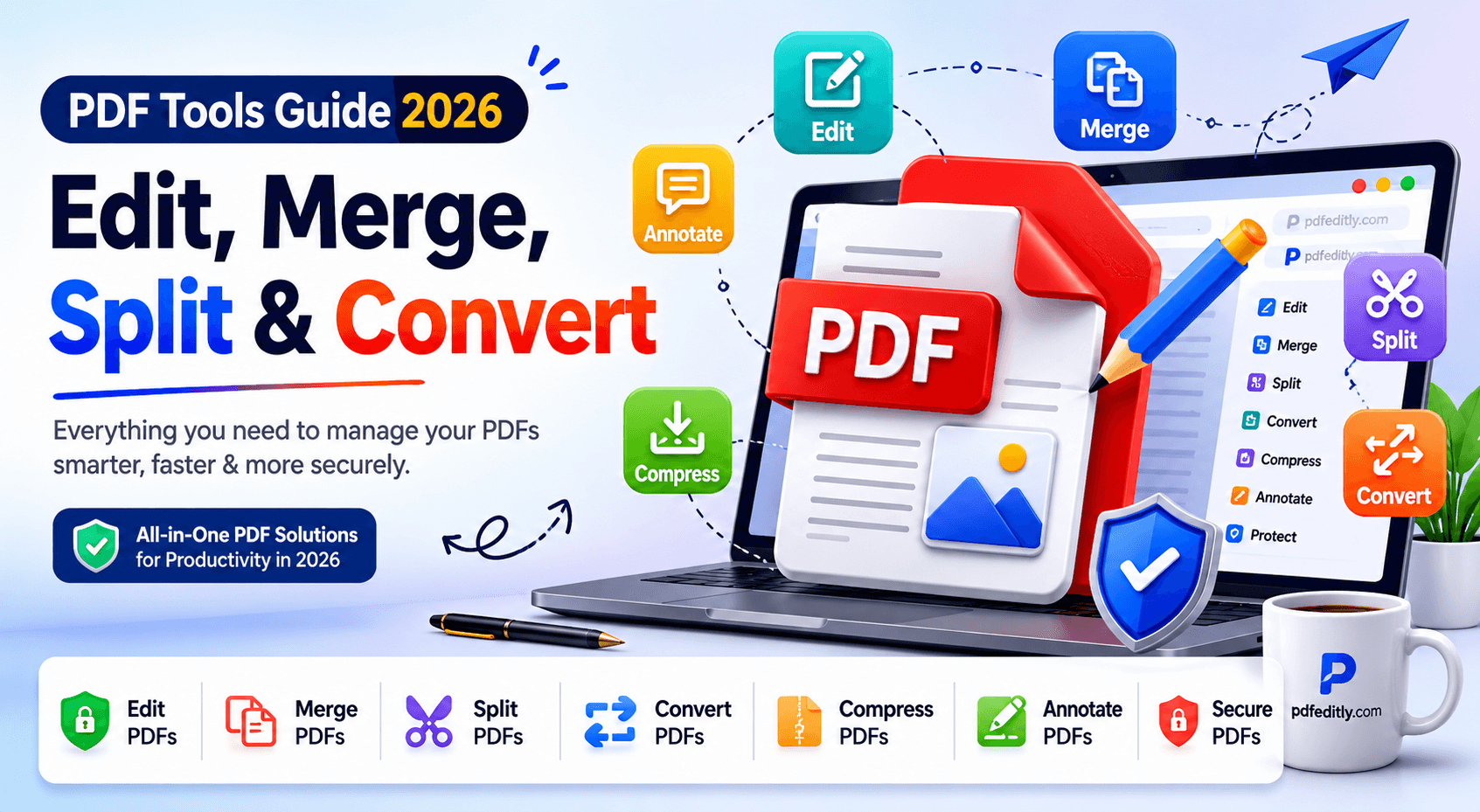
Find out the essential PDF tools for 2026. Learn how to edit, merge, split, compress, and convert PDFs online while improving productivity, document management, file sharing, and workflow efficiency.
PDF Tools Guide 2026: Edit, Merge, Split & Convert
Nowadays, PDF files can be called one of the most popular document formats globally. They are used by people and companies every day due to the consistent appearance across various devices. Thus, regardless of whether you share invoices, contracts, forms, presentations, reports, etc., the document will look exactly as you designed it.
However, there is a downside to using this format for documents. Users may need to edit their content, add pages, merge PDF files, reduce the size of their documents, and convert data into different formats, like Excel. Unfortunately, without the proper PDF tools, it may be quite difficult to accomplish such tasks.
Luckily, we are in the era when it is possible to perform all these actions with the help of special online PDF tools. This way, regardless of what you want – to edit, convert, compress, or merge the PDF files, you can easily do it through your web browser.
In the following article, you will get an understanding of what PDF tools are and how they help manage your documents.
What Is a PDF File?
PDF stands for Portable Document Format, a type of file created to ensure the document looks exactly the same regardless of the computer or operating system. While regular files allow changes, PDF documents maintain the font, layout, graphics, and formatting without any alterations.
Tips
Reorder before you merge. The final document follows the order shown in the list, top to bottom.
Why PDF Tools Are Essential Today
With an increasing shift from paper processing to digital processing, PDF applications have become crucial for people's productivity. Workers, employees, students, and entrepreneurs often come across PDFs, which require efficient tools.
The rise in remote working has led to the increasing use of digital document processing. Rather than printing and scanning documents, people are able to perform all editing, signing, annotating, and sharing digitally. Modern PDF tools ensure that people are able to accomplish their tasks faster.
Paperless workflow has prompted organizations to invest in PDF solutions. Users can complete any task using such tools easily without having to go through complicated software and procedures.

The Most Common PDF Tasks People Need to Perform
Editing PDF Documents
One of the most popular uses of PDFs includes editing them. Individuals often need to edit their PDFs by inserting text, adding pictures, signing documents, highlighting certain areas of interest, or adding annotations. Using an online PDF editor makes it easier to edit PDFs without installing any costly software.
Merging Multiple PDFs
A lot of people find themselves in a position where they have to merge PDFs when working with a variety of files, such as reports, invoices, contracts, and other supporting files, into one document. This makes it easier to handle just one document rather than several different documents.
Splitting Large PDFs
PDF documents of considerable size usually consist of various sections that should be segregated from one another. Sometimes there is a need to isolate a single page, chapter, or any part of a particular document for personal use or distribution. Splitting PDF documents online makes this easier.
Compressing PDF Files
Large-sized PDF files may be hard to upload, email, or save. A system that enables compression of PDF files is helpful since it lowers storage space as well as improving the speed of sharing. It’s helpful when dealing with scanned PDF files, reports and presentation slides, among others.
Converting PDF to Excel
Data often needs to be extracted from PDF tables and imported into spreadsheets for use. The PDF to Excel converter will enable the extraction of this information in an efficient manner since it converts the static PDF into a spreadsheet format.
Choosing the Right PDF Tool for Your Needs
There are many tasks related to PDF documents, not all of which require the same method. It is important to know what PDF tools can be used so that the process is more effective. Some tools can be used when making updates, sorting, saving space, or even mining for data.
When You Need a PDF Editor
Using a PDF editor becomes necessary when you wish to edit your documents without creating a new one all over again. In PDF editors, users can edit, write, add images, annotate, or sign their files.
When You Need a PDF Merger
A PDF merger is the best option for those who have more than one document that should be merged into a single one. Businesses find the use of PDF mergers useful to package their documents, prepare reports, or any other form of compiling documents.
When You Need a PDF Splitter
A PDF splitter will be required by those wishing to separate documents. It can be used to separate pages or sections of long documents into smaller chunks. Users will not need to share a huge amount of data when using a PDF splitter.
When You Need a PDF Compressor
A PDF compressor is software designed to make documents small for easy transfer. When you have a document that takes too much space for emails, uploading, or saving on certain platforms, a PDF compressor will come in handy.
When You Need a PDF to Excel Converter
The PDF to Excel converter can be extremely helpful when data from PDF tables requires additional processing or modification. Rather than having to copy the information, the information in PDF tables can easily be converted to Excel documents for convenient data management purposes.
Tips for Working with PDF Files More Efficiently
- Properly organize PDF files: Ensure that your documents have proper titles and are stored in their own folders so they are easily accessible and easy to locate.
- Compress large documents: This will aid in speeding up the process of uploading and downloading files and ensure that you do not exceed email attachment size limits.
- Save copies of source documents: Store copies of all essential documents so you will be able to modify them without having to retype the whole document again.
- Add annotations to documents: Make use of the various** annotation features** available on most PDF editors in order to leave useful remarks and feedback for others.
Preview before exporting: Preview your PDF documents before exporting them to ensure that there are no errors.
Conclusion
The PDF format is still one of the most vital file types used by companies, students, and professionals, ensuring that the formatting stays intact and works perfectly on any device. With today's PDF programs, it becomes very convenient to make changes in documents, combine PDF files, split PDF online, shrink the size of PDF files, and even convert data from a PDF to Excel.
Web-based services have made document manipulation simpler as users do not have to download applications. As digital processes keep developing, choosing safe and effective PDF tools can be helpful.
Frequently Asked Questions
What is the best way to edit a PDF online?
The most effective way to go about it is to work with a trustworthy online PDF editor that enables you to insert text, images, signatures, and comments directly in the browser. Editing is simplified, while no special software needs to be installed.
Can I merge PDF files for free?
Absolutely. Many PDF tools enable users to merge PDF files without investing in expensive software subscriptions. You can merge several documents into one file to create a well-organized document.
How do I split a PDF into separate pages?
Split PDF online can be achieved using an online PDF tools that provides features of splitting PDF pages. The feature is meant to help you split the pages of your file, thus creating small PDF files.
Does compressing a PDF reduce quality?
Compression can influence the quality of images based on their settings. Nonetheless, most contemporary PDF tools combine reduced file sizes with high-quality visuals, maintaining the readability of documents while considerably lowering space and transmission needs.
Can I convert PDF files to Excel?
Yes. A PDF to Excel converter will help you extract any table from your document and add it to your spreadsheet application in just a few steps without having to perform any further actions manually.
Are online PDF tools secure?
The security of the platform is based on the platform itself. In today’s modern times, many PDF tools are more concerned about protecting user data. This includes browser-based options where there is no need for uploading documents externally.